
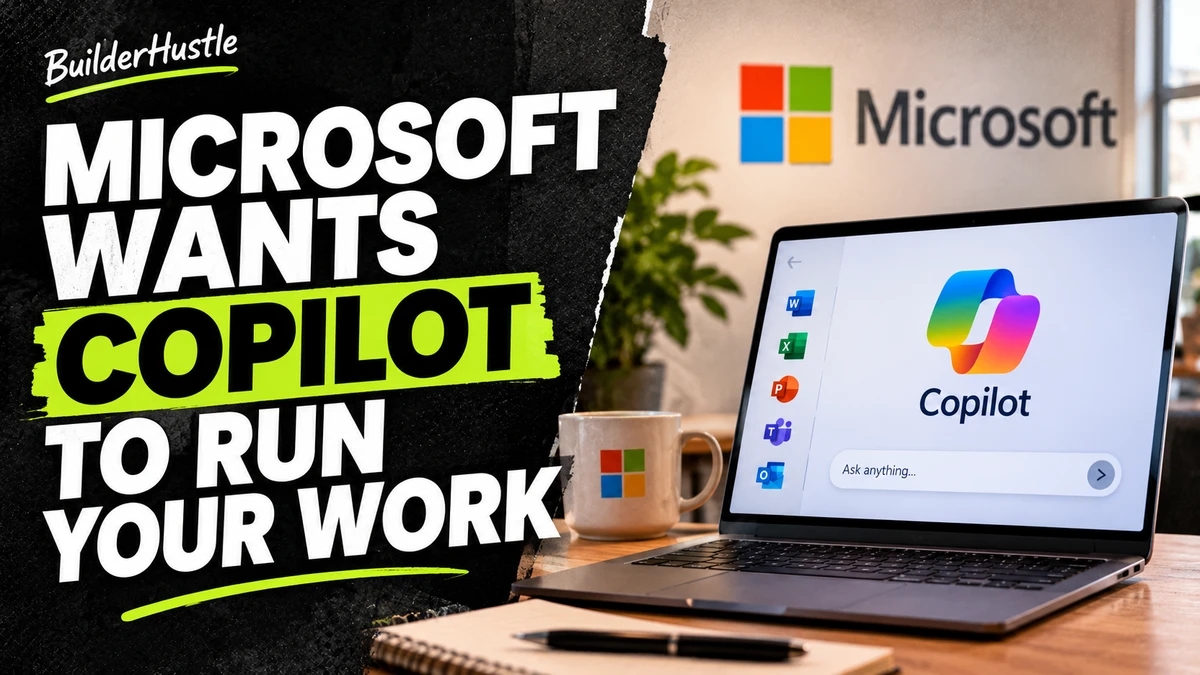
Microsoft wants Copilot to become more than an AI chatbot.
At Ignite 2026, it announced a bigger experience bringing Word, Excel, PowerPoint, autonomous agents and multiple AI models together.
The interesting part isn’t just what Copilot can answer. It’s how much everyday work Microsoft wants it to handle.
Let’s dive in.
Office is moving inside Copilot
Think about a normal workday. You read an email, check numbers in Excel, build a PowerPoint deck, and spend 15 minutes after a meeting figuring out what everyone agreed on. You are constantly copying, pasting, and switching tabs.
Microsoft is trying to fix that with a new feature called Office in Copilot, which is now generally available.
Instead of opening separate apps, you can create and edit Word docs, Excel sheets, and PowerPoint decks right inside the Copilot app. You can ask Copilot to turn messy meeting notes into a project report, refine the draft, and spin up a presentation without ever switching windows.
The best part? These are still real Office files. They keep all your existing company permissions, security labels, and compliance rules. You can always pop them open in the classic standalone apps whenever you want.
Microsoft also launched Home (generally available), which combines standard Chat with Cowork for multi-step projects.
AI agents that keep working after you log off
Generating a spreadsheet is nice, but having an AI keep a project moving while you do other things is a whole different ballgame.
Microsoft is expanding Autopilot, a long-running AI agent that works quietly across your Microsoft environment. According to Microsoft, Autopilot can:
Monitor Teams channels and follow up on emails
Handle recurring tasks automatically
Manage multi-step workflows (like building schedules and chasing stakeholders for a supplier review)
Because giving an AI permission to send emails and change files is risky, Microsoft is adding guardrails. Every Autopilot agent gets its own ID, a human manager, audit logs, and approval checks before taking major actions.
Just keep in mind that not everything is ready for everyone today. Autopilot and Workspaces (shared hubs for humans and agents) are only rolling out to Microsoft’s Frontier customers first. The Today dashboard, which organizes your daily emails and tasks, is still in private preview.
One Question. Several AI Perspectives.
Getting an answer from one AI model is convenient, but sometimes you need a second opinion before making a high-stakes decision.
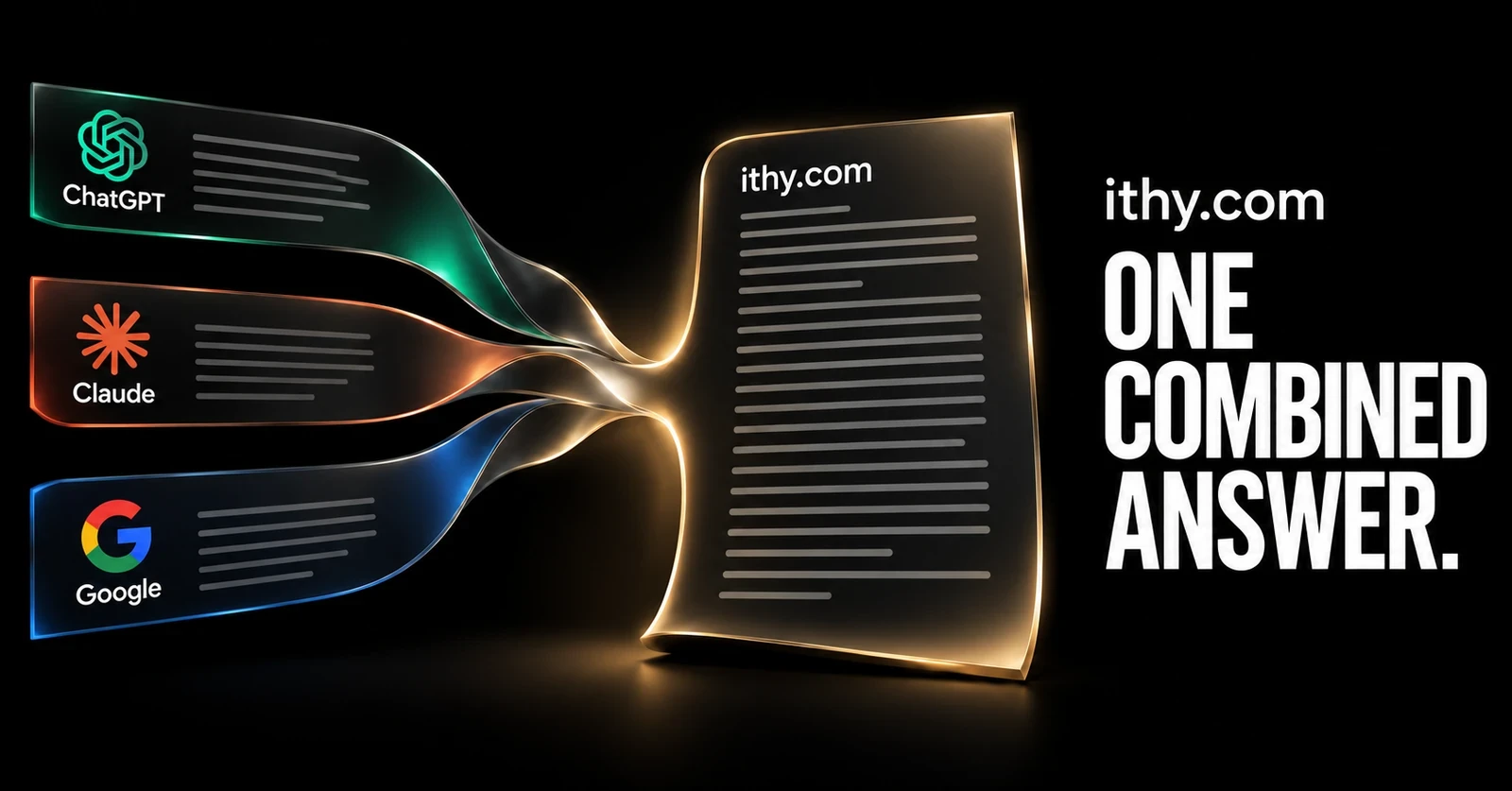
Ithy brings research from multiple AI models together into one clear answer. Each model researches your question on its own, letting you compare where they agree, where they disagree, and which sources back them up. It is the easiest way to double-check complex topics without opening five different tabs.
back to our story…
Microsoft isn’t betting on just one AI model
Another interesting shift at Ignite is how Microsoft handles the AI models powering all this.
Instead of forcing everyone to use one system, Copilot now uses an Auto routing feature to pick the best model for the job based on speed, cost, and quality. Employees can also manually switch between models from OpenAI and Anthropic (if their IT admin allows it).
At the same time, Microsoft unveiled its own new family of MAI models for coding, cybersecurity, and images. The standout is MAI Code 2, which Microsoft claims hits 98% of GPT-6.1 Sol’s coding performance at 40% of the cost, and 96% of Claude Opus 5.5’s performance at just 5% of the cost.
Take those numbers with a grain of salt since they come from Microsoft’s own testing. Still, the strategy is smart: Microsoft wants to own the platform where you work, regardless of whose AI model is doing the heavy lifting underneath.
Context is Microsoft’s real superpower
A standalone chatbot only knows what you paste into the prompt box. A workplace assistant plugged into your company’s daily life knows a lot more.
Microsoft calls this intelligence layer Work IQ. Because companies already store billions of emails, chats, and files in Microsoft 365 (over 19.5 exabytes of data), Copilot already has the context it needs to understand your job.
This highlights a massive shift in the AI race. The company with the smartest standalone model might not win the enterprise market. The company that already holds your files, calendars, and permissions has a huge head start.
The catch with putting everything in one place
Convenience always comes with trade-offs.
First, there is the risk of mistakes. When a chatbot gets something wrong, you just ignore it. When an autonomous agent sends the wrong email or edits a shared document, it creates a real mess for your team.
Second, there is vendor lock-in. The deeper your documents, workflows, and AI agents live inside Microsoft’s ecosystem, the harder it becomes to ever switch to a competitor.
The future of Office is invisible
We are moving away from software where you click buttons and jump between apps. The new goal is simple: describe what you want done, let AI coordinate the steps, and review the final result.
Word, Excel, and PowerPoint aren’t going away, they are just blending into the background. In the future, the most valuable AI won’t be the one with the cleverest answers. It will be the one that already knows your work and quietly gets it done.
Stay sharp,